
Easier sign-in. Less administration. Accurate records for emergencies
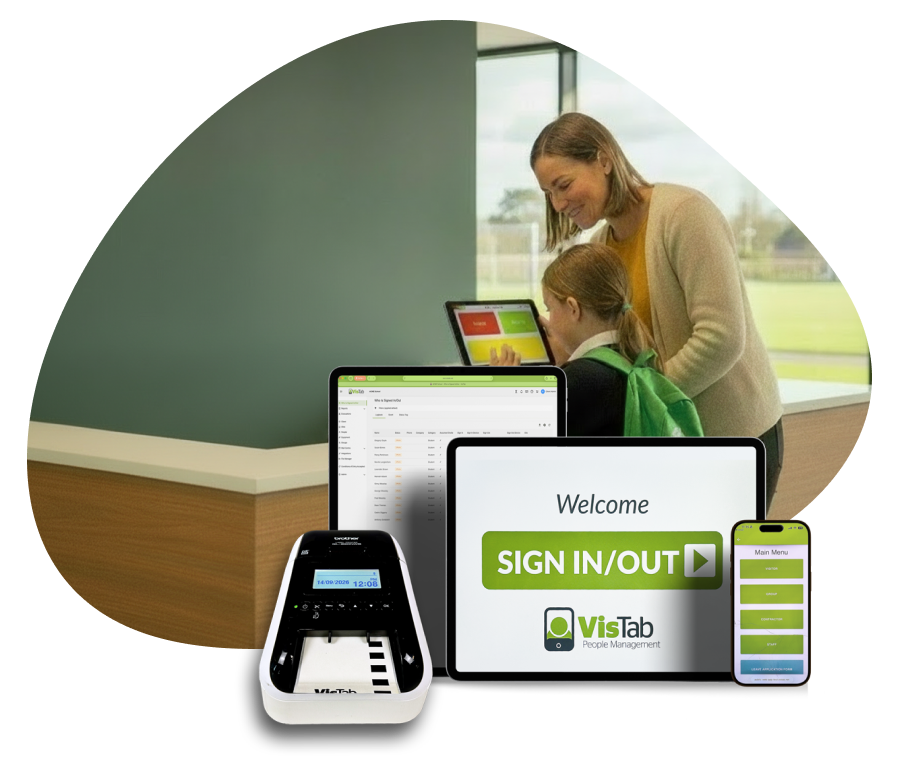
VisTab sign in system helps education providers manage late students, visitors, relief teachers and contractors through one easy-to-use sign-in system. Reduce repetitive administration, maintain reliable health and safety records, and access more accurate information during an evacuation or emergency.
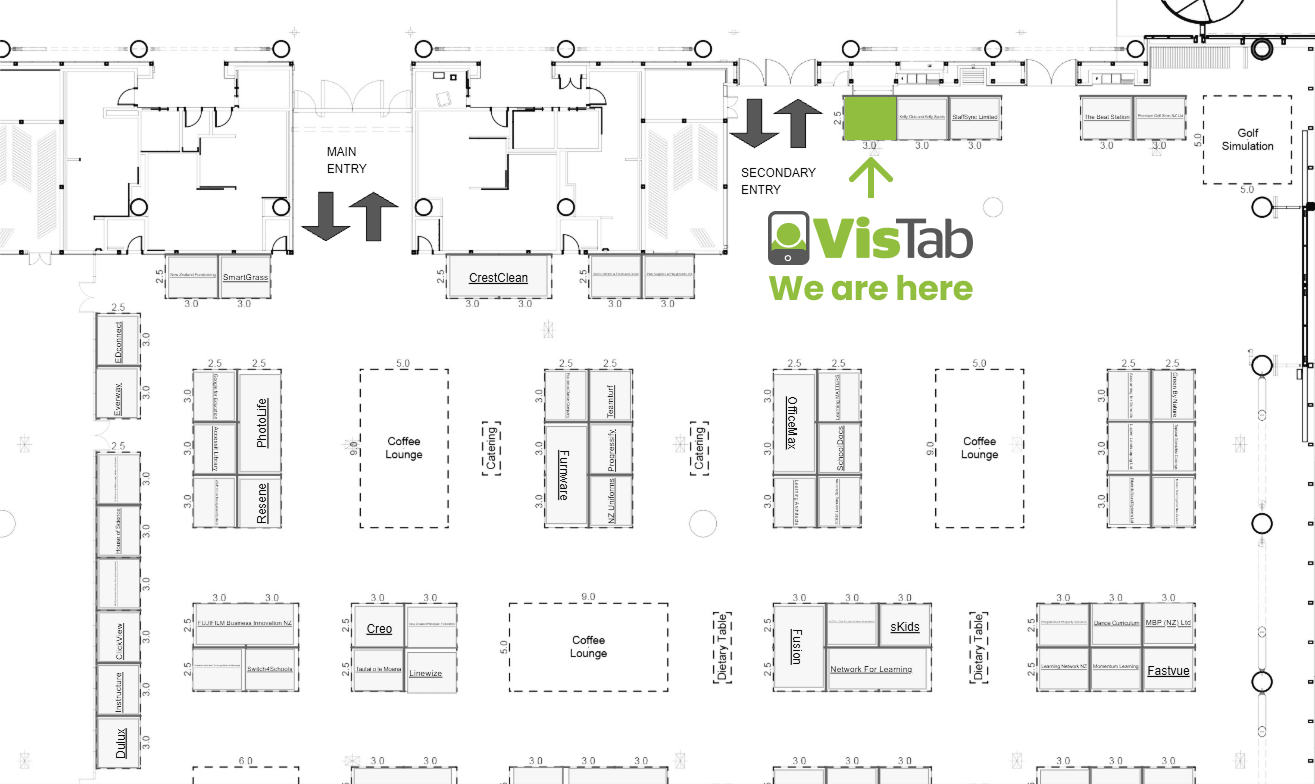
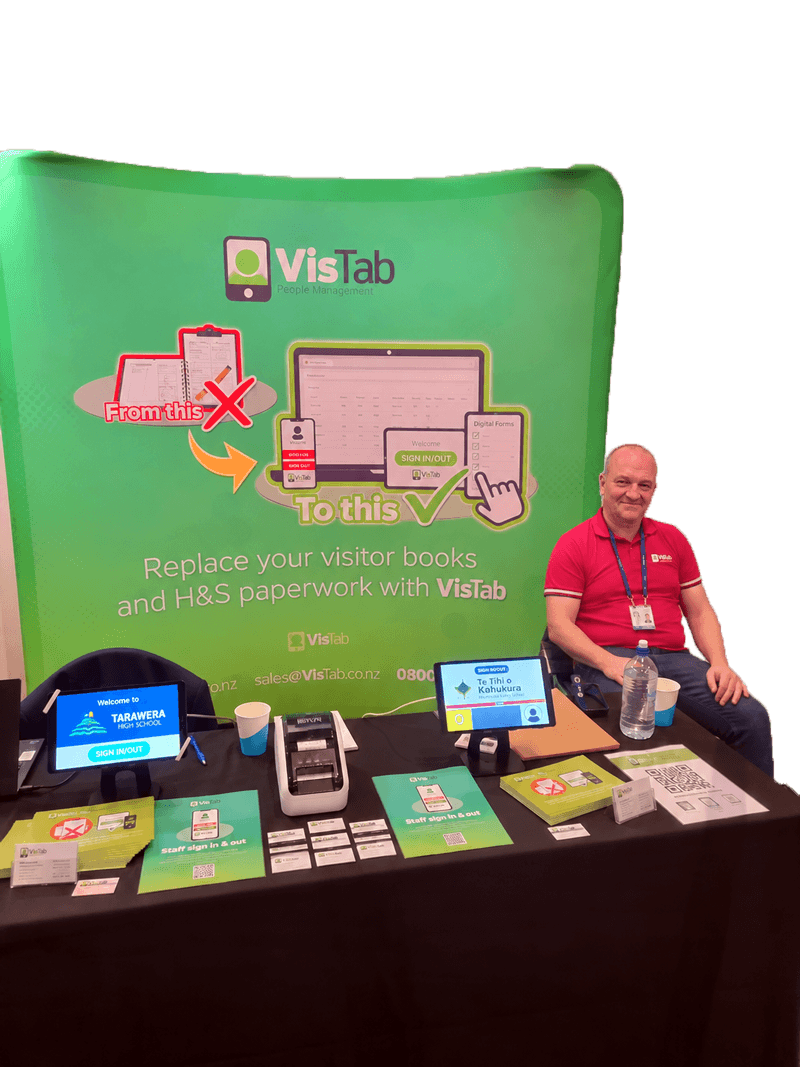
Meet VisTab at ICP 2026
See how VisTab can reduce administration around late students, visitors and relief teachers while providing better information for health and safety and emergencies.Visit our team at stand 117, or arrange a time to discuss how VisTab could work in your institution.
Trusted by over 1,200 schools worldwide
Value of VisTab school sign-in system
Education providers need to record many of the people and movements that are not fully covered by an everyday student orstaff roll. VisTab provides one simple system for recording late arrivals, students leaving and returning, visitors, relief teachers and contractors.
Process late students faster
When a student who was marked absent arrives later, they can sign in using the VisTab tablet and select the reason for being late. VisTab records the date, time and reason. Supported information can be passed into the school’s student management system, reducing manual entry and double handling for office staff. A date- and time-stamped late pass can print automatically for the student to take to their teacher.
Record students leaving and returning
When a parent or caregiver collects a student for an appointment, the student can be signed out. If they return later, they sign back in as a returning student. VisTab records these movements and can notify the appropriate parent, caregiver or teacher when required.
Keep reliable reliever records
Record when relief teachers and support staff arrive and leave. VisTab provides accessible reports, making it easier to check attendance, confirm hours and retrieve previous records.
Manage visitors and contractors
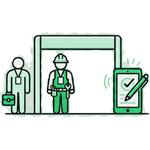
Record when parents, visitors, trades people and contractors arrive, who they are visiting and when they leave. VisTab can notify the relevant staff member, present health and safety information, capture acceptance and print visitor identification labels.

.png)
.png)
.png)
How education providers use VisTab
Primary and intermediate schools
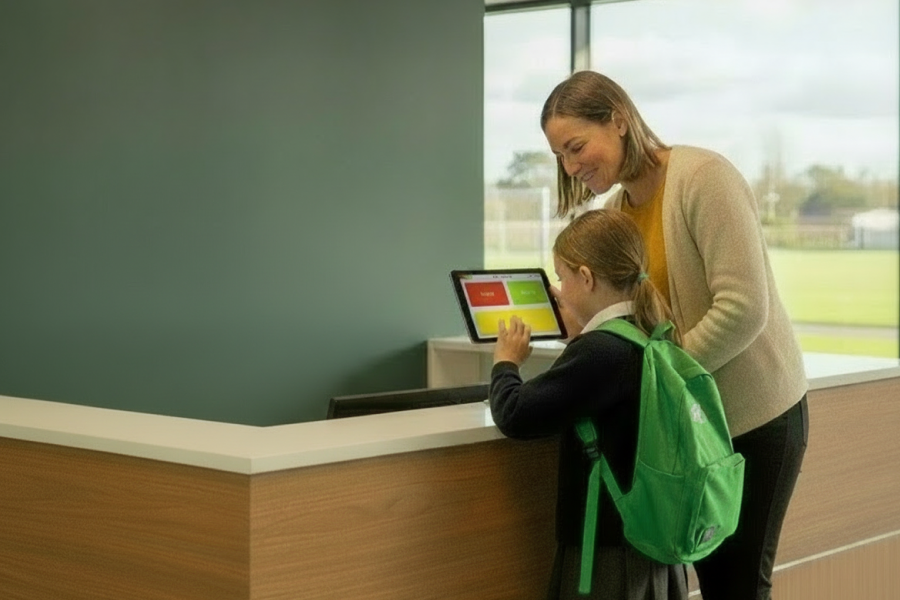
Most primary schools use one VisTab tablet at reception.
Late students can record why they have arrived after the roll was taken and receive a printed, date- and time-stamped pass to take to class. Students can also sign out when leaving for an appointment and sign back in when they return.
The same tablet can manage parents,visitors, relief teachers and contractors.
Common uses:
- Visitor registration
- Maintenance and repair contractors
- Contractor health and safety requirements
- Building- or site-specific sign-in
- Host notifications
- Visitor identification labels
- Multiple sites and entry points
- Emergency and evacuation information
Secondary schools and colleges
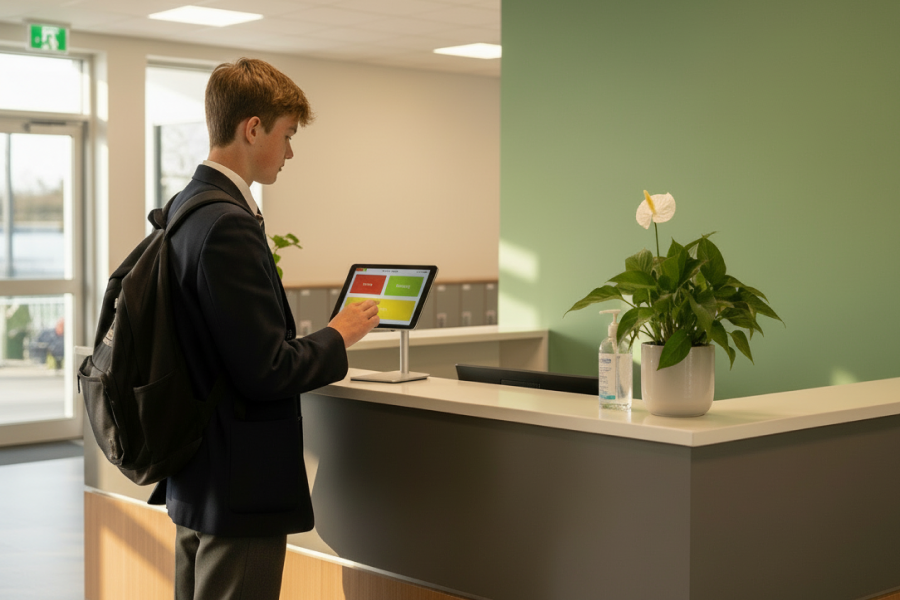
Secondary schools commonly use KAMAR or another existing system to manage student attendance and student sign-in.
VisTab complements these systems by providing a dedicated process for visitors and contractors. Visitors can identify who they are meeting, hosts can be notified and identification labels can be printed.
Contractors can receive and accept relevant health and safety information, creating a retrievable record of their time on site.
Common uses:
- Parent and visitor sign-in
- Host notifications
- Printed identification labels
- Contractor registration
- Health and safety acceptance
- Contractor inductions
- Reports and historical records
- Emergency and evacuation information
- Multiple entrances or campuses where required
Universities and tertiary institutions
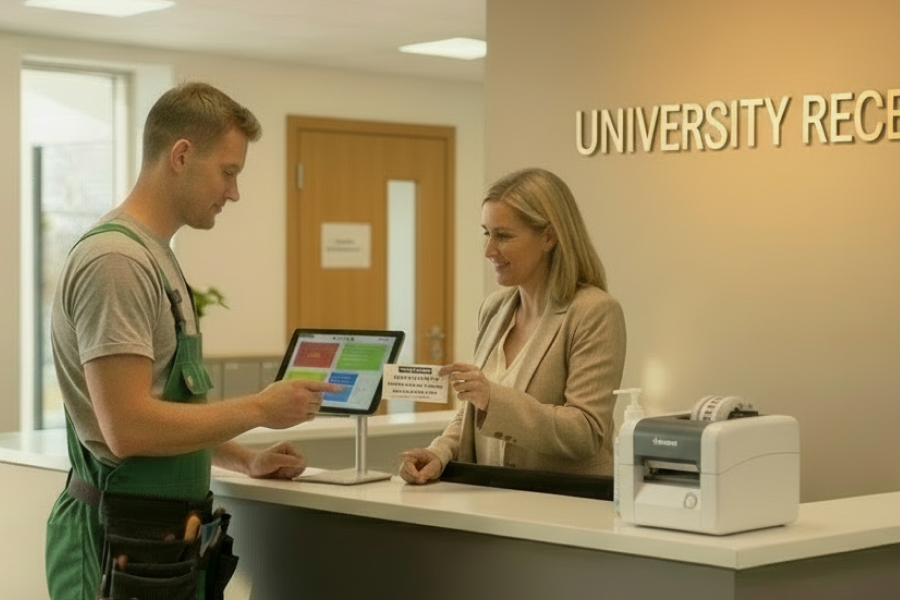
Universities and tertiary providers primarily use VisTab to manage visitors and contractors rather than permanent staff or students.
VisTab can record tradespeople, repair technicians, maintenance contractors, consultants and other temporary visitors entering different buildings or sites.
Tablet and QR-code options can be configured around the institution’s requirements, with information available through one central web portal.
Common uses:
- Visitor registration
- Maintenance and repair contractors
- Contractor health and safety requirements
- Building- or site-specific sign-in
- Host notifications
- Visitor identification labels
- Multiple sites and entry points
- Emergency and evacuation information
Late-student process
How late-student sign-in works
1. The teacher completes the roll
The student is marked present or recorded as not having arrived.
2. The late student signs in
When the student arrives, they use the VisTab tablet and select the reason for being late.
3. VisTab records the information
The student’s arrival time and reason are captured. Supported information can be passed into the school’s student management system.
4. A late pass prints automatically
The student takes a date- and time-stamped late pass to their teacher, confirming that they have reported through the office.
5. The movement becomes part of the current record
The information is available to authorised staff for administration, reporting and emergency accountability.
The same process can record students leaving for appointments and signing back in when they return.
Flexible ways to sign in
How late-student sign-in works
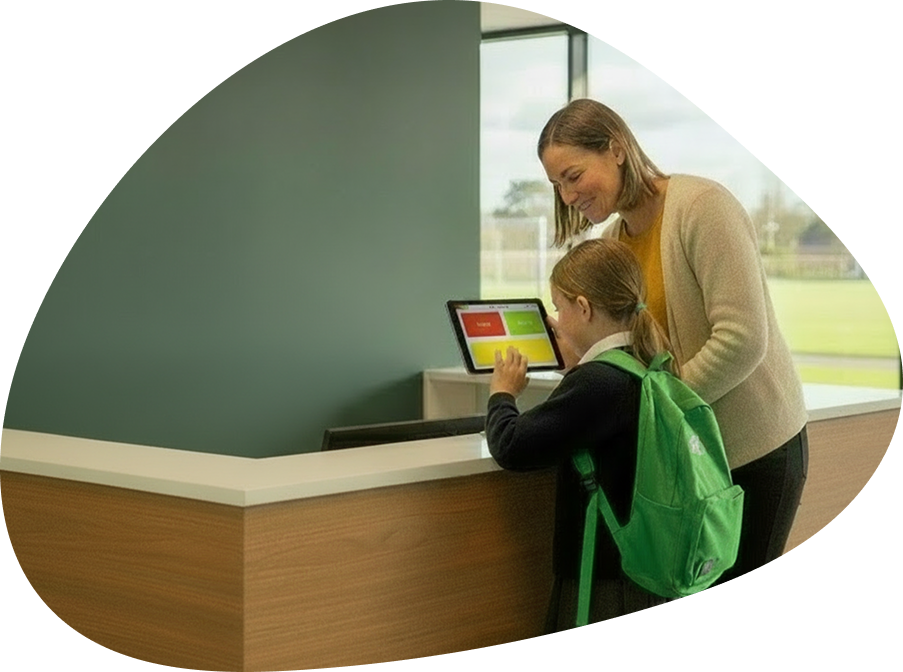
Tablet sign-in
A secure, easy-to-use tablet can be installed at reception, student services, the sick bay or another suitable entry point.
Most primary schools use one reception tablet, while larger institutions can add tablets at other locations.
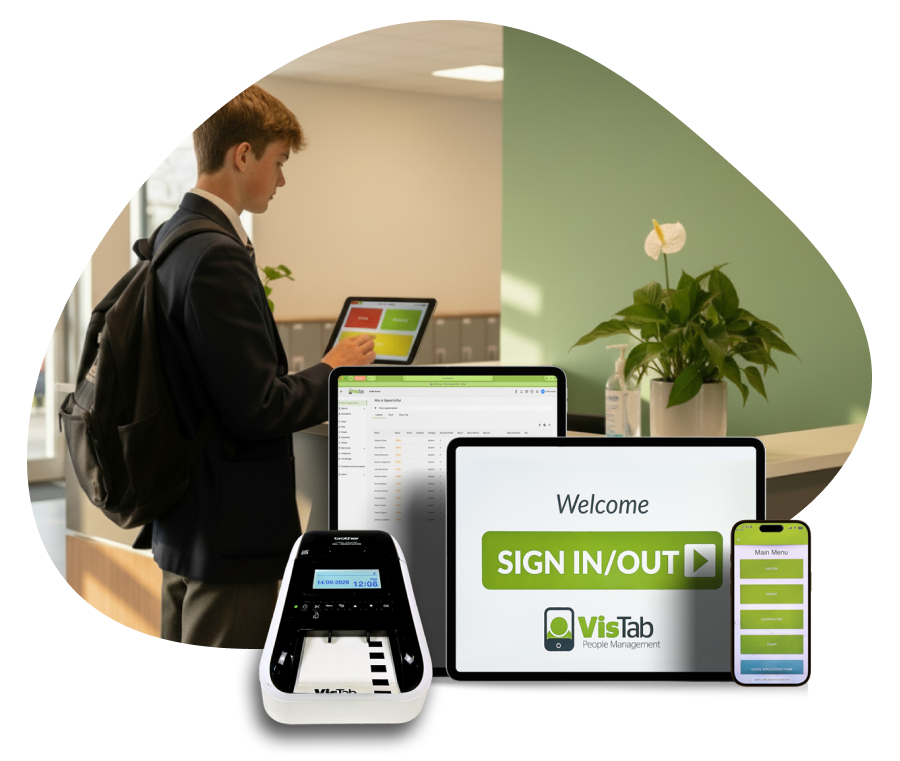
Mobile sign-in
Authorised users can sign in and out remotely using the VisTab mobile app without returning to the reception tablet.
This can be useful for approved users moving between locations.
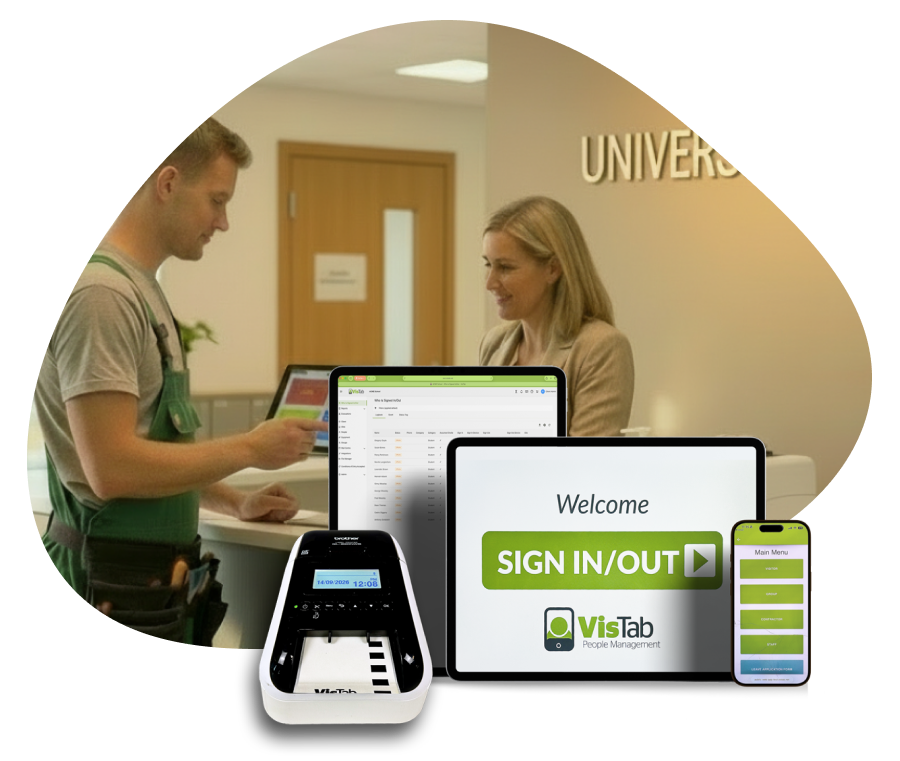
QR-code sign-in
Visitors and contractors can scan a QR-code poster and sign in using their own smartphone.
QR codes provide a flexible option for additional entrances, temporary locations, events and buildings where a permanent tablet is unnecessary.
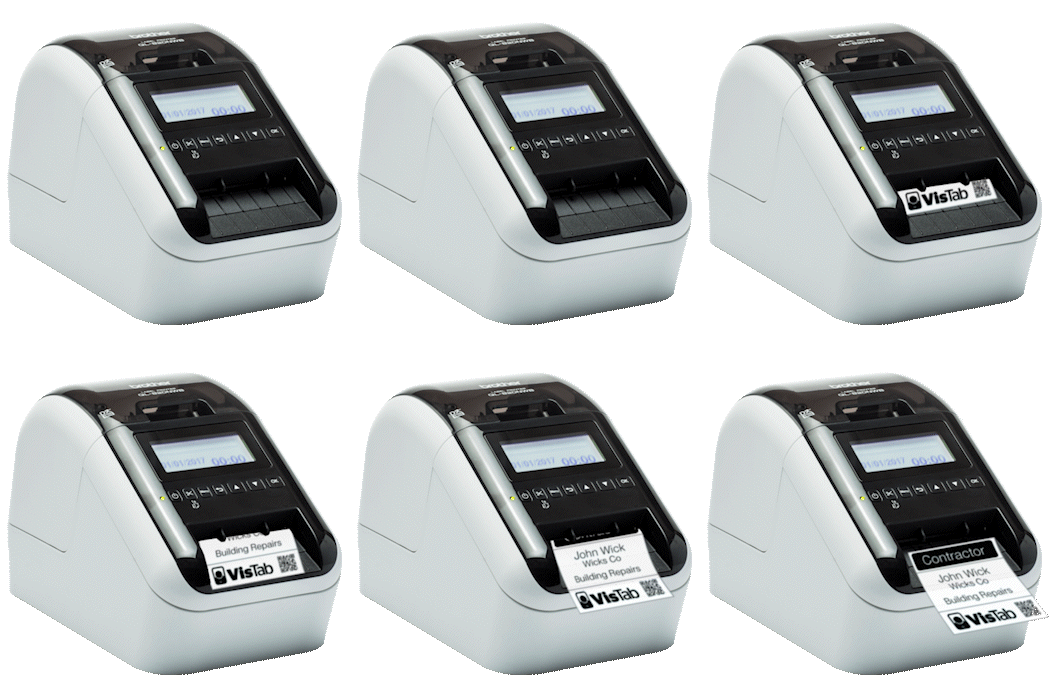
Printed labels and passes
VisTab can automatically print date- and time-stamped late passes for students and branded identification labels for visitors.This helps teachers confirm that late students have reported through the office and makes signed-in visitors easier to identify.
Better information when it matters
VisTab does not replace the school roll. It records movements and temporary people that the everyday roll may not fully reflect.
During an evacuation or emergency, VisTab can help authorised staff identify:
- Students who arrived after the roll was taken
- Students who left early or for an appointment
- Students who returned during the day
- Relief teachers and support staff recorded as present
- Visitors and parents still on site
- Contractors working on site
Evacuation information can be synchronised across authorised devices, allowing staff to conduct roll calls using a tablet, smartphone or other connected device.
Schools can also make their evacuation procedures and maps available through the system.
VisTab can continue operating without an active internet connection or mains power, helping retain access to important information when normal services are disrupted.
Connect with your school management system
VisTab works with leading school management systems, including: Hero, Edge, eTAP, Selected KAMAR functions.
Integration capabilities vary between platforms and types of institution. The VisTab team will confirm what information can be passed between VisTab and your existing system.
Additional ways schools use VisTab
VisTab does not replace the school roll. It records movements and temporary people that the everyday roll may not fully reflect.
Depending on the institution and configuration, VisTab can also help with:
- Signing groups or multiple people in or out
- Notifying parents, caregivers or teachers when students sign in or out
- Recording support staff movements
- Managing school assets such as keys and vans
- Accessing reports and timesheets online
- Maintaining cloud-based historical records
- Displaying health and safety requirements
- Sending visitor arrival notifications to staff
- Managing multiple sites or entry points
The VisTab difference
Talk to a real person
When you need assistance, your call is answered by a real person during New Zealand business hours, without waiting in a long support queue.
Ready to use from day one
VisTab is supplied as a configured, plug-and-play system. It can be live the same day without requiring a complex IT project or specialist installation.
Designed to keep working in an emergency
VisTab can continue operating when power or internet access is disrupted, helping your team retain important sign-in and evacuation information when it matters most.
New Zealand-owned and supported
VisTab is New Zealand-owned and operated, with a local team providing responsive support.
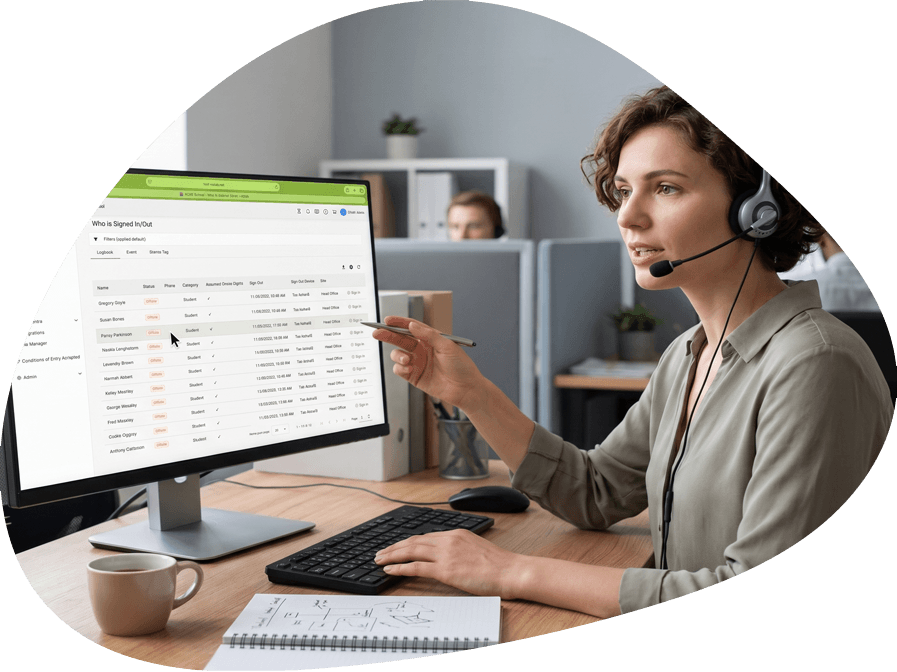
Why schools choose VisTab
- Configured around the way each institution operates
- Tablet, mobile and QR-code sign-in options
- Automatic late passes and visitor labels
- Managing school assets such as keys and vans
- Accessing reports and timesheets online
- School management system integrations
- Remote evacuation information synchronised across devices
- Health and safety acceptance
- Accessible reports and reliever timesheets
- Operation during internet or power interruptions
- New Zealand-owned and locally supported
- A real person available during New Zealand business hours
What schools say
“Previously I had four books including staff, visitors and students. It really took a lot of my time, but when we changed to VisTab and used the tablet it was so much easier.
“The staff, visitors and students could just come in and it’s self-explanatory. People could just read it right away, it didn’t involve me and I could continue my work.”
Christine Gillard, Casebrook Intermediate
Easier to get started than you might expect
Tell us how your institution currently manages late students, visitors, relief teachers or contractors.
We’ll recommend the right setup, configure it for you and supply it ready to use, without a complex IT implementation.
If you need assistance, a real person is available during New Zealand business hours.
Evacuation
Built for Real Emergencies: When disaster strikes, you need to know exactly who is on your premises. VisTab replaces guesswork with real-time tracking to ensure everyone gets out safely.
Instant Headcounts: Access a live roster from any mobile device, web browser, or your VisTab tablet when time is of the essence.
Targeted Assistance: Immediately see which visitors require extra help evacuating.
Smart Grouping: Organise people by classrooms or zones, and easily track off-site exceptions.
Post-Event Analysis: Review past evacuations through our secure web portal to refine your emergency protocols.
Streamlined Compliance: Seamlessly meet health and safety requirements while simplifying your daily reception workflows.
School management system integration
VisTab connects directly with the platforms you already use, eliminating double data entry and streamlining your daily operations.
Student Management Systems (SMS): Your student lists sync instantly. Any additions, updates, or deletions in your SMS automatically reflect in VisTab.
Automated Attendance: Sign-ins, late arrivals, MOE Attendance Codes, and student reasons are pushed straight back to your SMS in real-time.
Active Directory: Simplify user management with seamless authentication and centralised access control across your organisation.
Vault Integration: Ensure your critical and sensitive data remains securely stored and protected.
Tablet, mobile and QR-code sign-in
Ditch the old visitor books and clipboards. VisTab provides a fully customisable management system that saves time, reduces costs, and boosts productivity for organisations of any size.
Quick Touchscreen Entry: A simple interface speeds up sign-ins for visitors, students, and contractors, with data reliably accessible both online and offline.
Touchless QR Posters: Allow visitors to sign in safely and seamlessly using their own smartphones.
Dedicated Mobile App: Empower staff and contractors to sign in on the go via our purpose-built app, bypassing the front desk tablet entirely.
All-in-One Compliance: Replace messy health and safety manuals with a streamlined digital procedure tailored precisely to your operational needs.
Label and pass printing
Confirm people who have signed in/out with label badges and also add your logo.Add the Brother QL-820 Battery Pack to your printer to utilise the VisTab system on a site where access to power is difficult.
Health and safety
With VisTab you can display your company’s health and safety messages to your visitors, staff, contractors or anyone who comes into your business or site.
VisTab allows all your visitors to agree to your Health and Safety messages. Have a hazard that you need to make people aware of this week only? You can easily change your health and safety message as required.
Contractor inductions
Control access and keep a central record of agreed terms and policies for staff and contractors.
Induct your contractors right on the tablet by including videos, slides, and checklists during the sign-in process.
Be notified through our Web Portal when inductions expire or your tablet is offline. Set your own minimum threshold (e.g. 7 days) for when you want to be notified about expiring inductions.
Reports and timesheets
Access your site records securely from anywhere in the world. Empower your team to make fast, informed decisions using live data that is minutes old, rather than days or weeks.
Real-Time Dashboard: Instantly check exactly who is currently on site.
Historical Records: Easily search and review past entries at a glance.
Instant Export: Download your data directly to Microsoft Excel for advanced analytics and reporting.
Lightning-Fast Processing: Experience digital sign-ins that update your central portal instantly, vastly outperforming traditional pen-and-paper methods.
Security and data privacy
VisTab is built on industry best practices to keep your data safe and strictly confidential. All information is secured with 256-bit AES encryption and hosted in ISO 27001-certified AWS datacenters in Sydney, fully aligning with MBIE recommendations for New Zealand government agencies. Your data is constantly backed up off-site, and our infrastructure is regularly audited by independent third parties to guarantee maximum protection.
On your front desk, physical and digital security go hand-in-hand. VisTab tablets feature built-in theft alarms and are securely locked to our application. You can restrict access to sign-in histories using PIN codes and enable privacy settings that only reveal exact name matches to users. In the backend, granular Web Portal access controls ensure your staff only see the exact data they need, keeping sensitive information fully protected at all times.
Multiple sites and kiosks
Manage multiple sites conveniently through our Web Portal, use our powerful reports to gain insight, and quickly see who is signed into each site.
Our Web Portal gives you total access control. Restrict users to specific sites or limit their ability to run reports and analyse completed evacuations.


