
01
Welcome & sign in
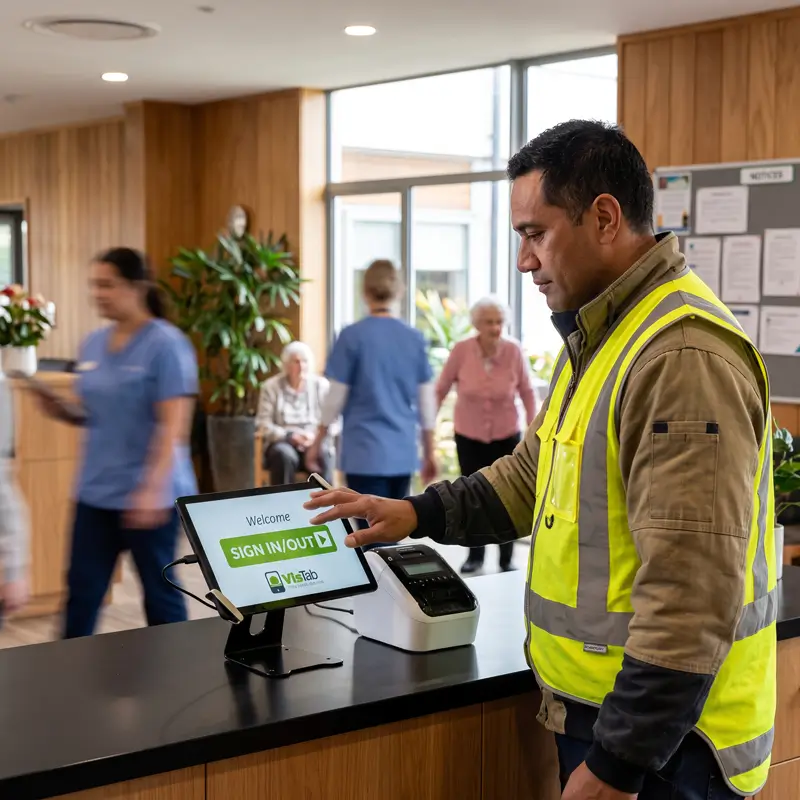
Visitors use your configured tablet kiosk or QR sign-in and enter the required details.
VISITOR MANAGEMENT SOFTWARE / NZ & AUSTRALIA
Replace the paper visitor book with VisTab. Give visitors a simple way to sign in, notify their host and keep a clearer record of who is on site.
100% NZ owned and operated. Real people to help with your setup.
Tell us about your workplace. We’ll arrange a one-to-one demo and a tailored quote.
We’ll use your details to respond to your enquiry. Read our privacy policy.
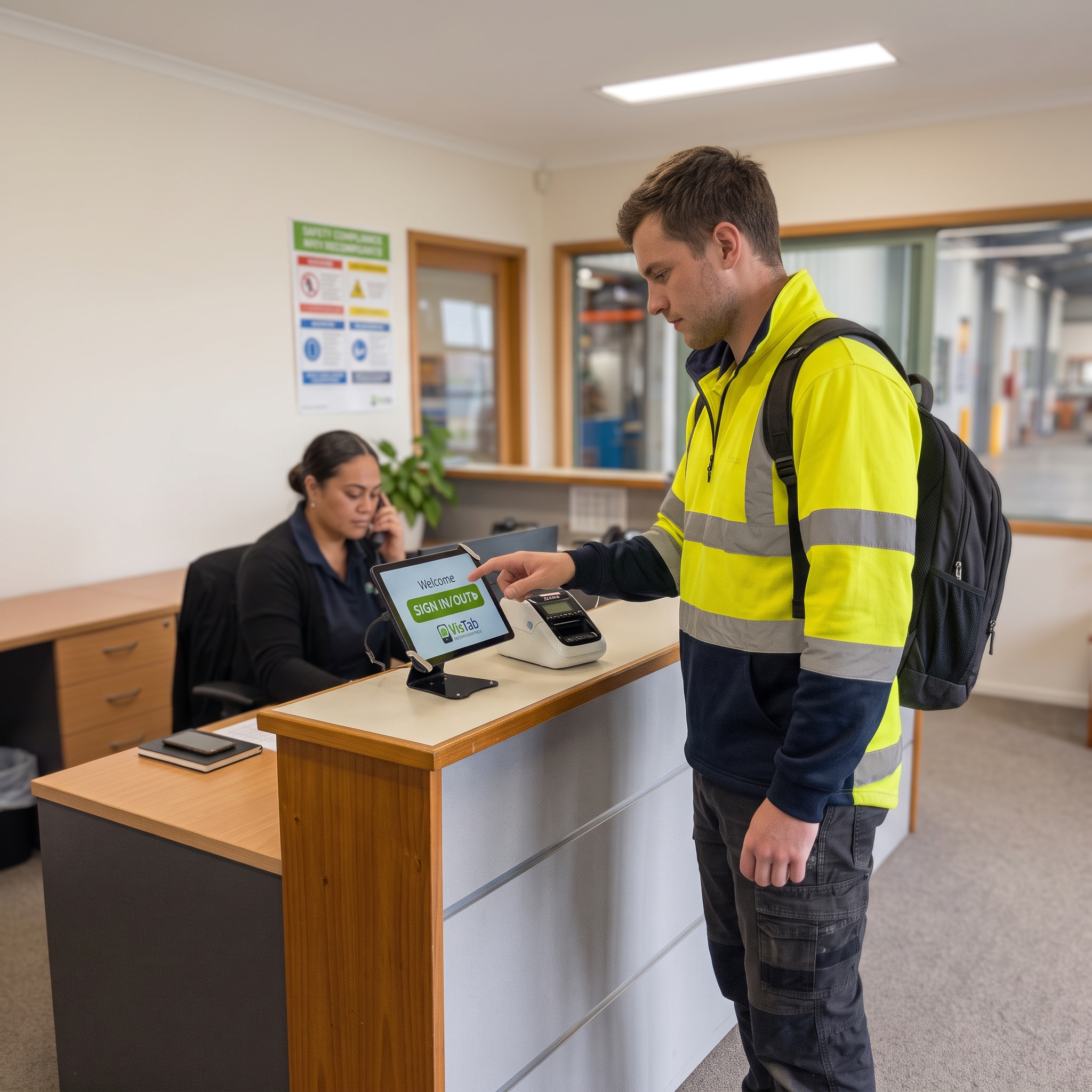
FROM A BUSY FRONT DESK TO A CLEARER DAY
A visitor management system should help your team spend less time on registers and routine arrival tasks.
Use your branding and a clear sign-in flow to give visitors a consistent welcome.
Automatic arrival notifications help the right person meet their visitor sooner.
Bring sign-in and sign-out details together so authorised staff can review visits through the web portal.




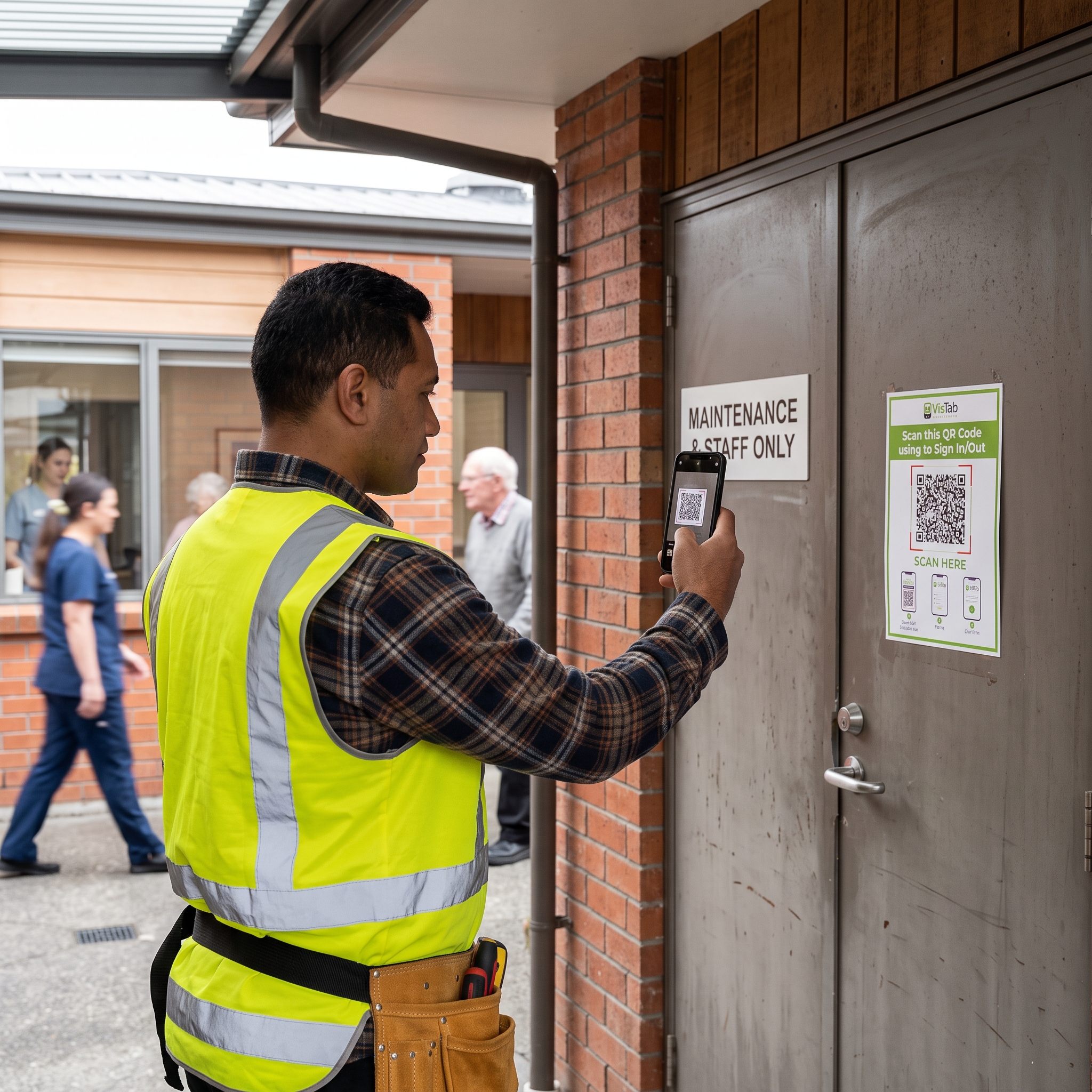
SIGN-IN THAT FITS YOUR WORKPLACE
Choose a dedicated tablet kiosk, QR sign-in or a combination that suits your buildings and visitor flow.
Give people an obvious check-in point at reception or a site entrance.
Let people use their own phone, with posters at the entrances you choose.
Print labels with the visitor information and branding relevant to your workplace.
THE EVERYDAY DETAILS, TAKEN CARE OF
Collect the information you need, share the requirements that matter and make records easier to manage.
Configure relevant visitor questions and put your logo and colours on the sign-in experience.
Present important site information and capture acknowledgement or a signature where required.
Support arrivals across different doors, buildings or locations with a suitable setup.
Manage people and contact details and review visitor information online.
Access visit records for follow-up and reporting, reducing reliance on handwritten registers.
Keep sign-in moving through connectivity interruptions and get help from the VisTab team.
A SIMPLE VISITOR JOURNEY
Show your team the workflow in a one-to-one demo, using the questions and sign-in options relevant to your workplace.
01
Visitors use your configured tablet kiosk or QR sign-in and enter the required details.
02
Present relevant notices or health and safety terms, with acknowledgement where required.
03
Let the host know their visitor has arrived and print an optional badge.
04
Record the departure and access the visit information through the web portal.
CHOOSE WHAT YOUR WORKPLACE NEEDS
Whether you are moving on from paper or reviewing another system, start with your visitor flow and the information your team needs.
Talk through entrances, visitor categories, badge printing and reporting.
Arrange a demonstration and ask questions about the way your team would use VisTab.
Choose the software, tablet and optional printer setup that fits your workplace.
BEFORE YOU GET STARTED
A few practical details to help you choose your setup.
A visitor management system records arrivals and departures digitally. VisTab combines sign-in, host notifications, site notices, optional badge printing and online records to simplify visitor administration.
A dedicated kiosk gives visitors a clear check-in point. QR sign-in provides another option at entrances. The team can help you decide which combination suits your workplace.
Yes. VisTab lets you configure the questions and visitor information you collect, with your branding on the tablet sign-in experience.
You can display site notices and health and safety terms during sign-in, with acknowledgement or signature capture where required.
Send an enquiry with a few details about your workplace. The team will discuss your requirements, arrange a demonstration and provide a tailored quote.
READY TO REPLACE THE VISITOR BOOK?
Tell us about your workplace and see how VisTab can simplify visitor sign-in for your team.